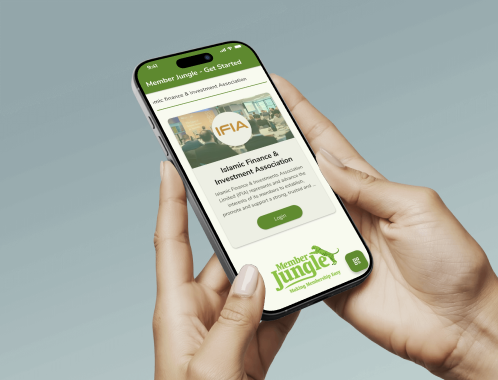
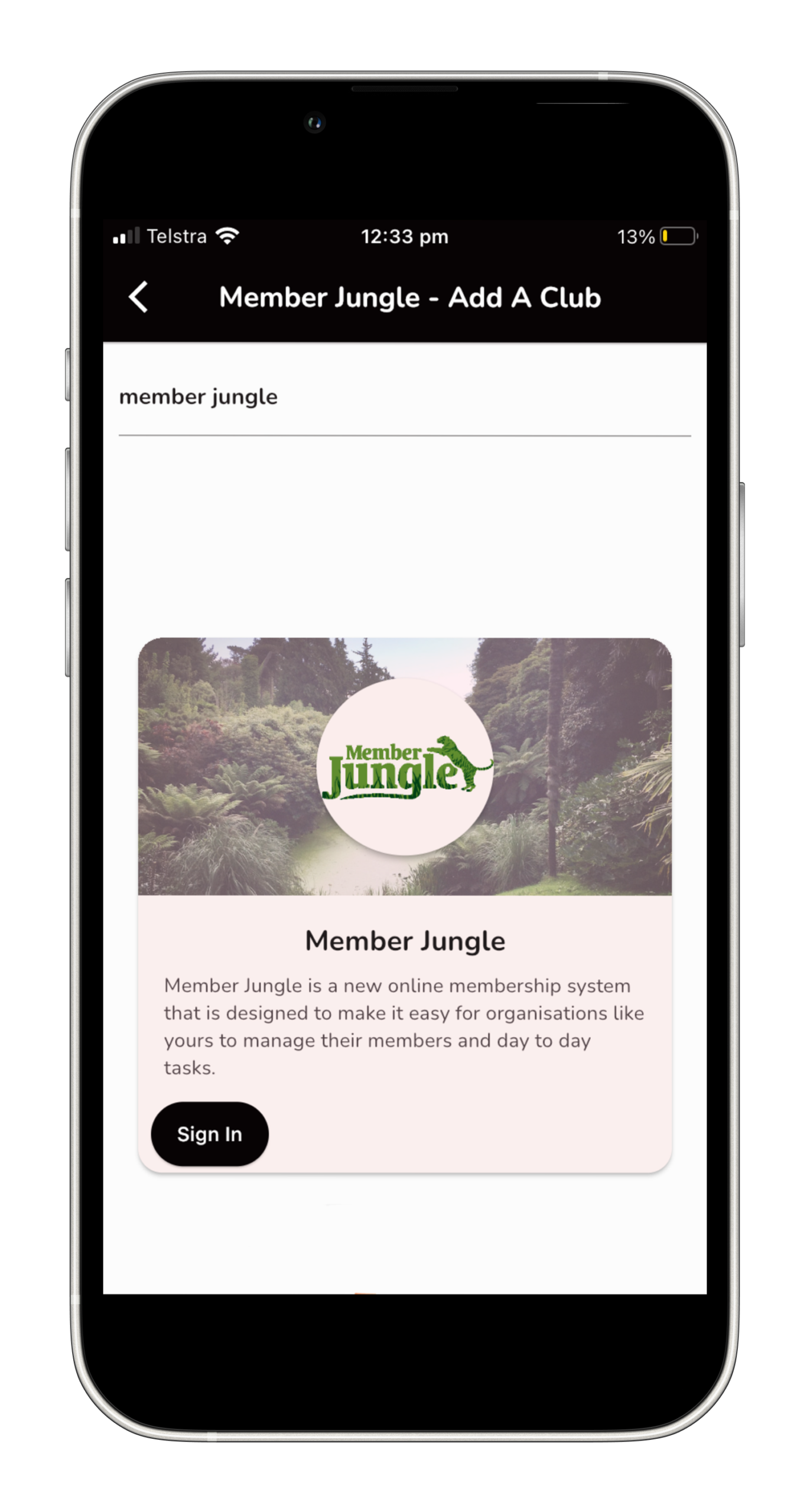
You can now download the Member Jungle mobile app and stay up to date with what's going on in the club.
This Code of Conduct (“this code”) applies to members of this code is effective from October 2023.
Step 1
Download the App
The first thing you need to do is download the mobile app onto your device. Select which device you have and click on the icon below and download the “Member Jungle” app.
Step 2
Find Islamic Finance & Investment Association
Click on your new Member Jungle App icon and open the new app.
We recommend you allow notifications so you can receive important updates from the club.
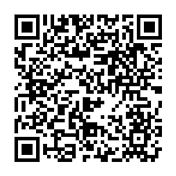
Click the “QR Code” button in the bottom right, and point your phone at the QR code beside.
Click on your new Member Jungle App icon and open the new app.
We recommend you allow notifications so you can receive important updates from the club
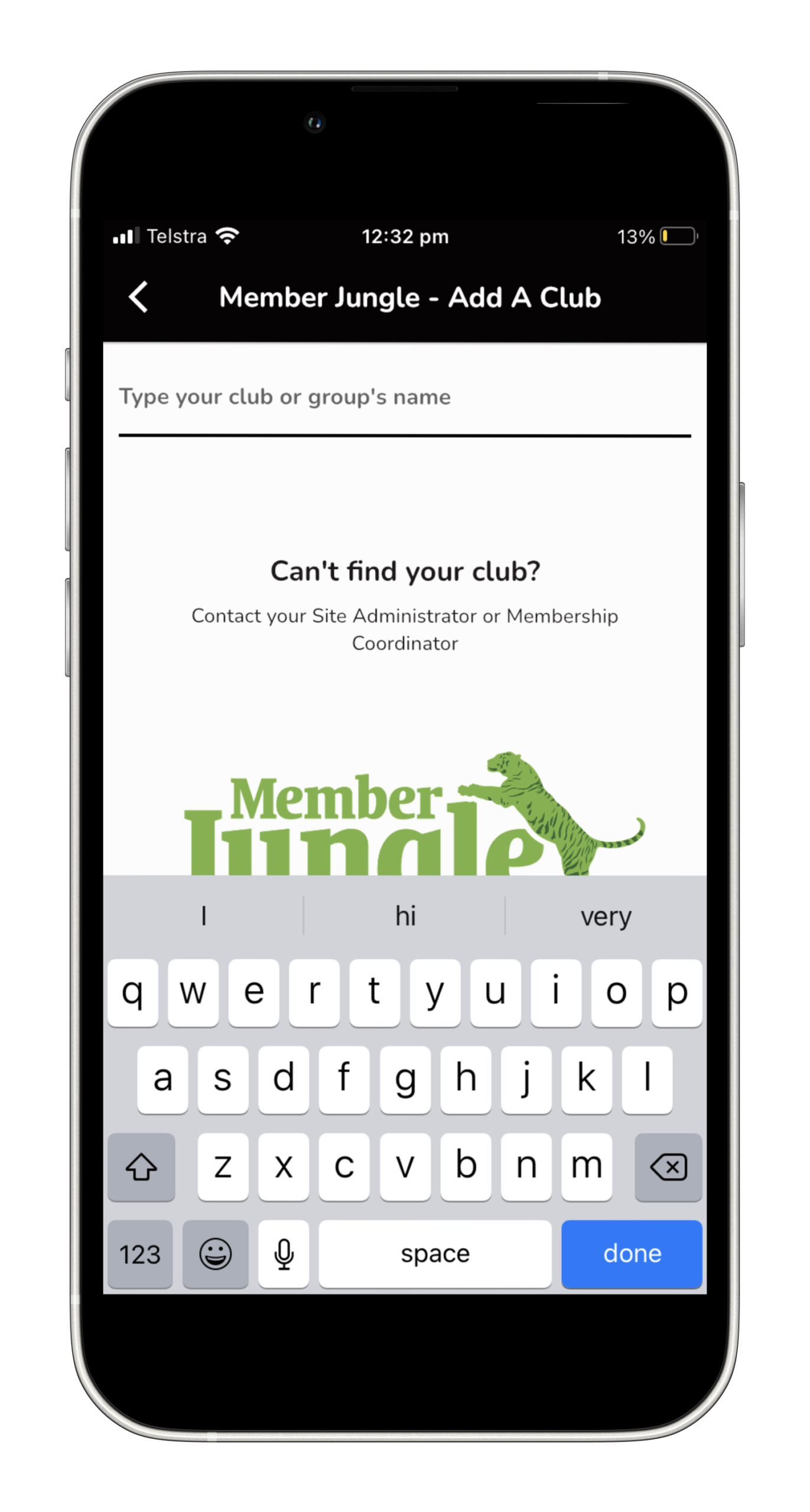
2. Now you need to search and add our club Start typing “Islamic Finance & Investment Association” in the search bar, as pictured below.
3. Islamic Finance & Investment Association will appear in the list on the screen, click on the Sign In button, as pictured below.
Step 3
Logging Into the App
If you are a current member you can login using your membership login details.
For more information on features of the Member Jungle mobile app please